


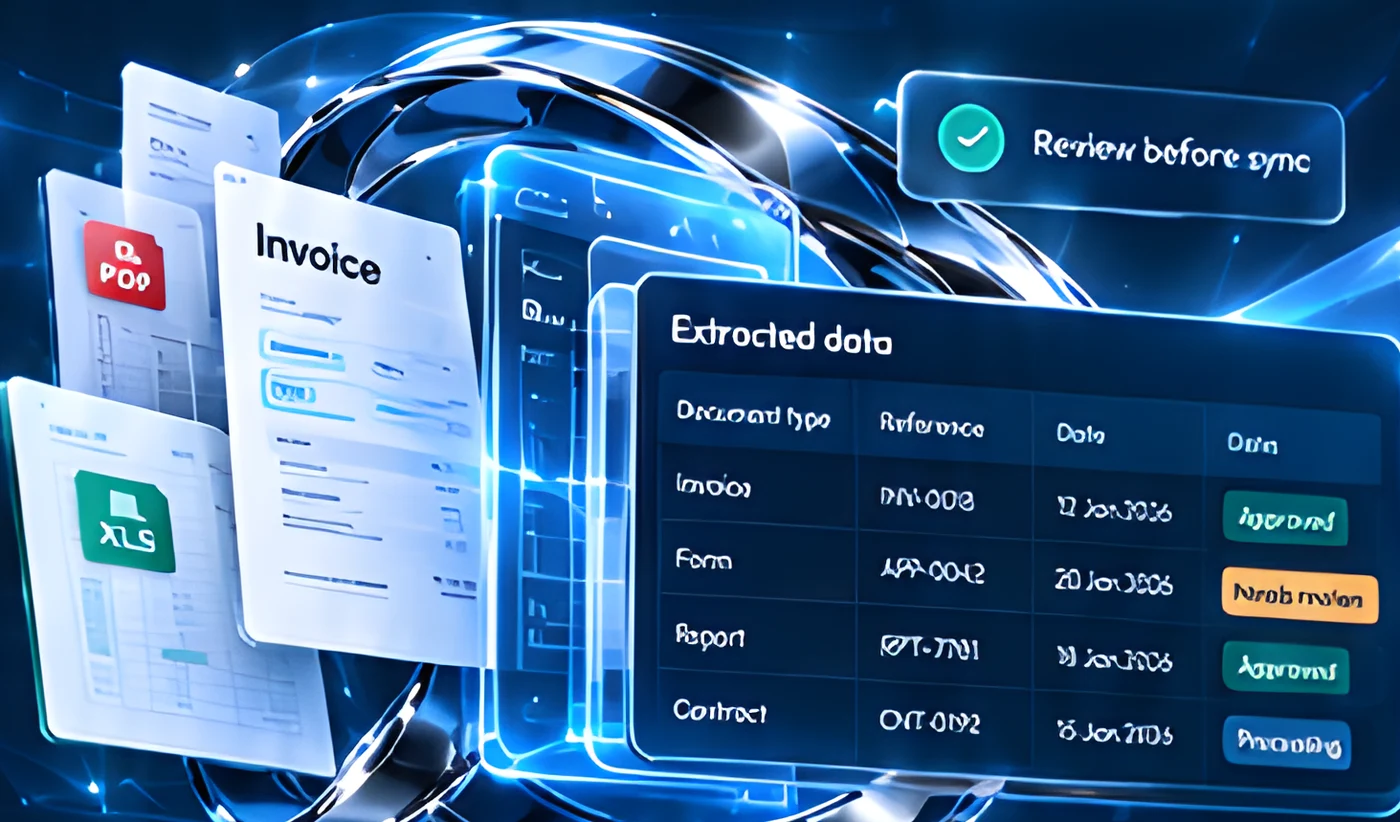
From scattered documents.
To useful, connected data.
Capture information, validate key fields and move approved data into the systems your team uses.
Illustrative document workflow
Less rekeying. More clarity.
Simulated demonstration
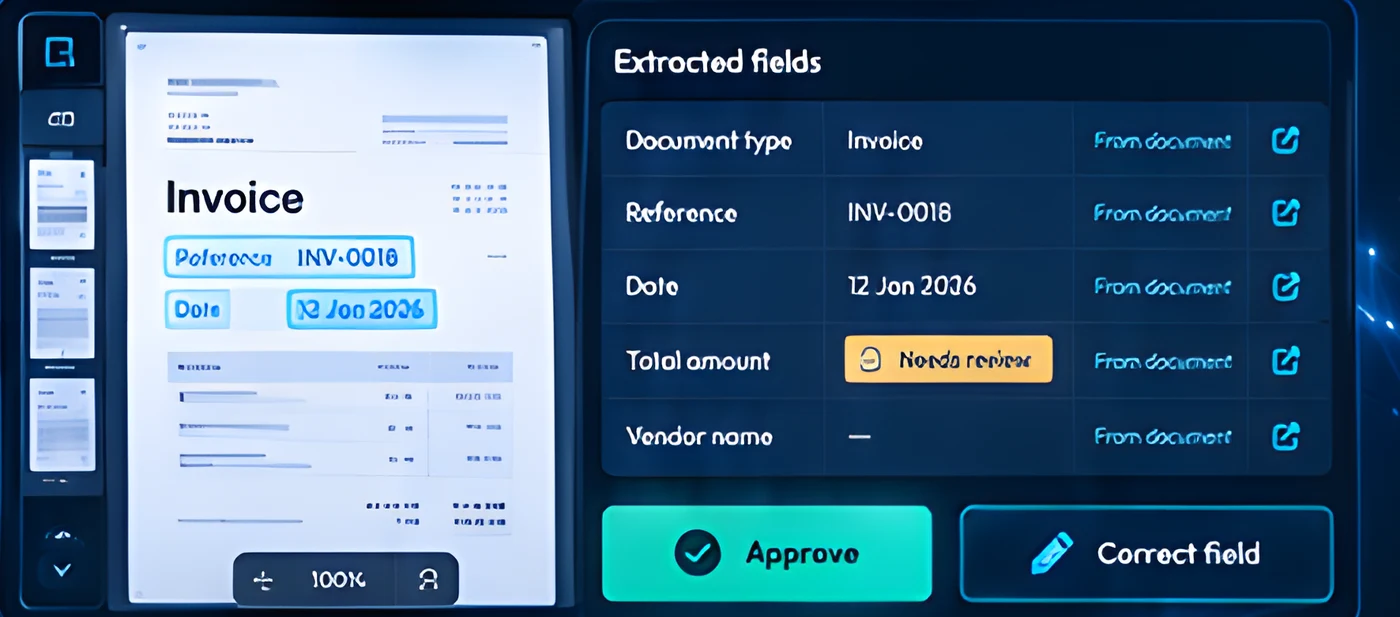
See the document.
Trust the review process.
Bring extracted information and its source together, so your team can check exceptions before the next step.

Practical automation from intake to handover.
Transform documents into trusted data with a complete end-to-end process, from capture to integration.
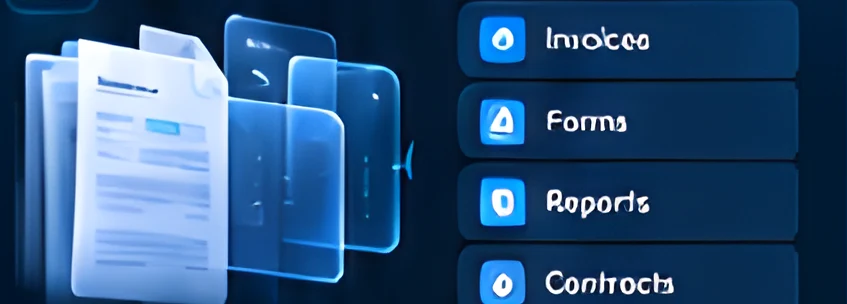
Automatically ingest documents and classify them by type.
 →
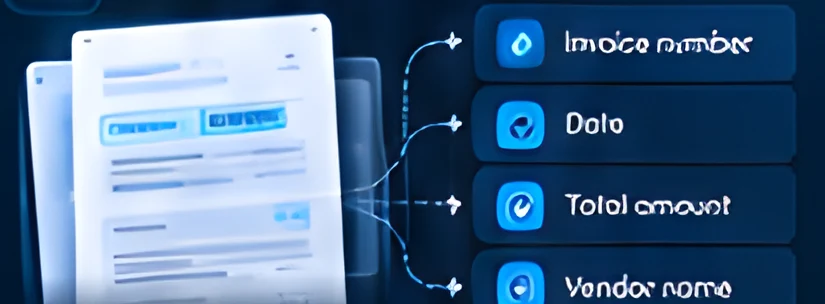
→Extract key information from documents, even complex layouts.
 →
→Apply validation rules and flag exceptions for human review.
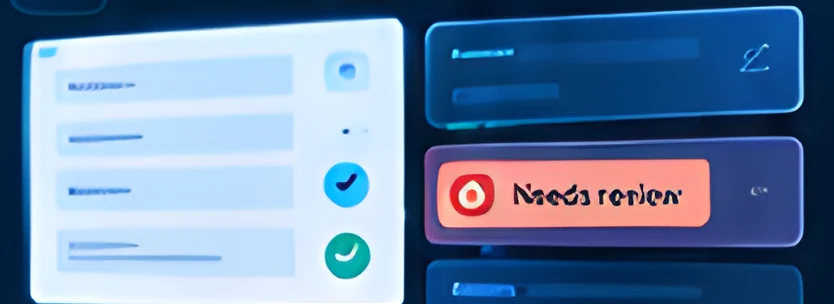 →
→Create documents from templates using your data.
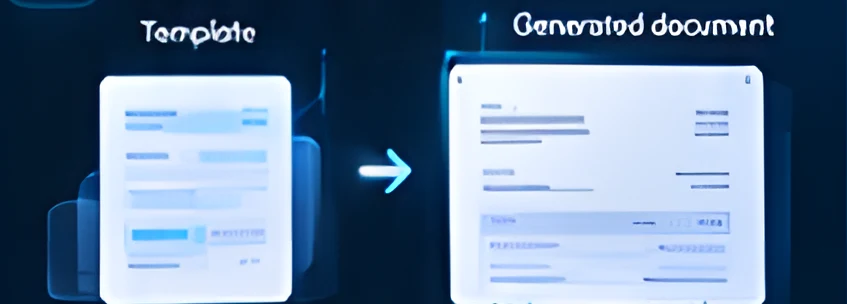 →
→Standardise and enrich data for consistent, high-quality records.
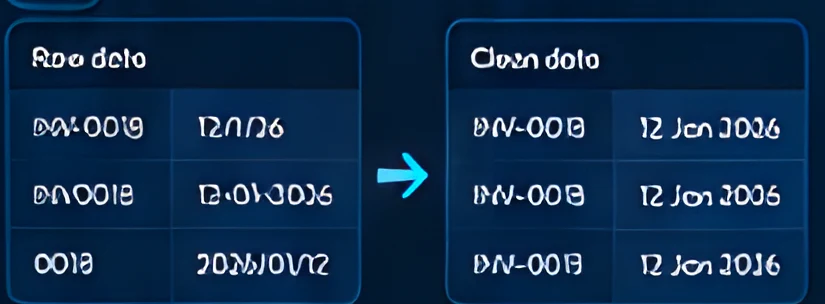 →
→Send approved data to your systems and trigger the next steps.
 →
→Different documents. Practical possibilities.
Turn a wide range of documents into structured data for everyday use across your business.
Invoices & purchase records
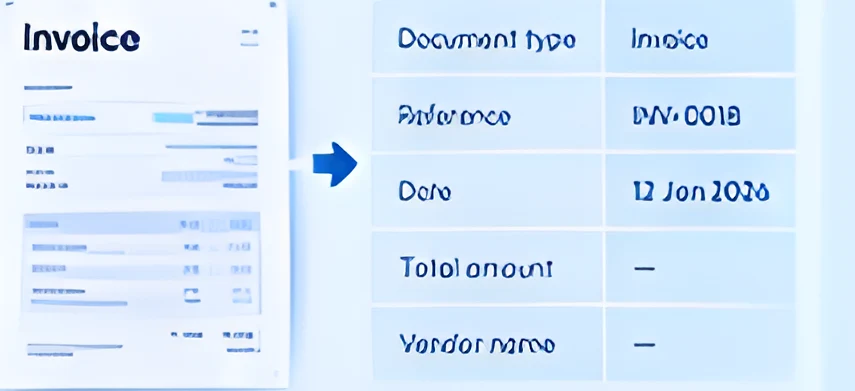
Extract key details from invoices and purchase records for faster processing.
Forms & applications
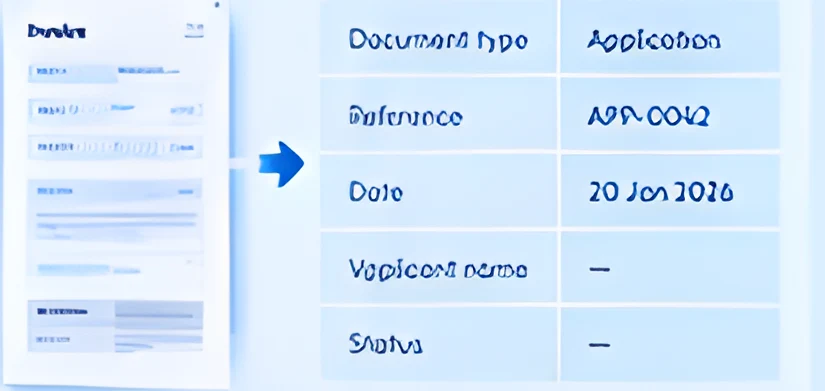
Capture information from forms and applications in structured formats.
Reports & business records
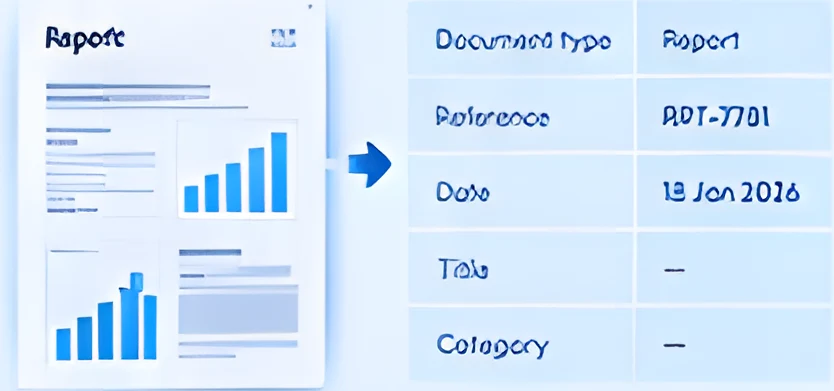
Extract data from reports and business records to make them easier to use.
Illustrative use cases
From intake to a record your team can use.
Example flow; steps depend on your documents and systems.
- 1ReceiveEmail · File upload · Shared folders
- 2ExtractIdentify document type and capture key fields.
- 3ValidateApply rules and flag exceptions.
- 4ReviewCheck and confirm the information.
- 5SyncSend to your systems and trigger next steps.
- Needs attentionHuman review
Simulated demonstration
Keep your data moving between the right systems.
Connect through supported APIs, file formats and available integrations.
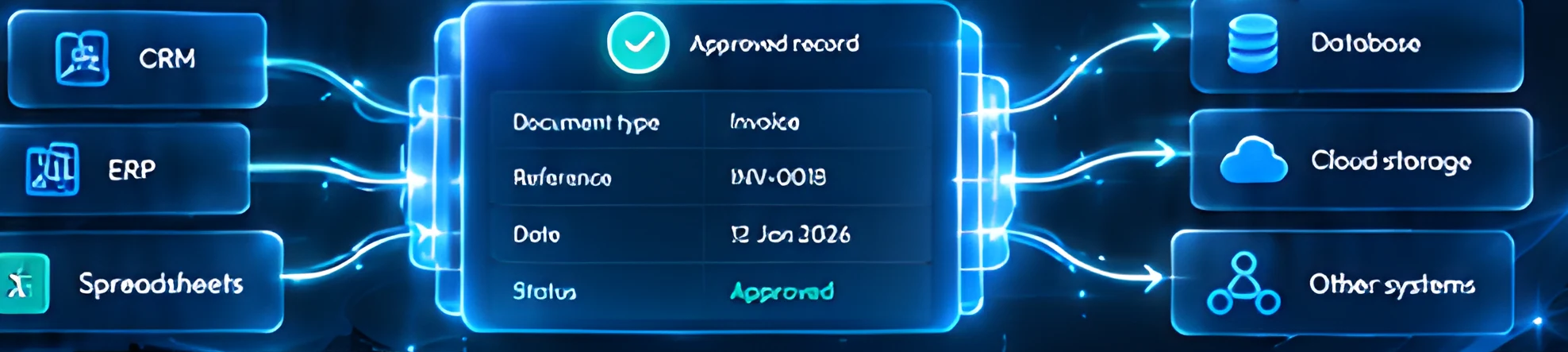
Automation with people in control.
Simulated demonstration
Review queue
Define what to check and how to handle exceptions.
Keep people in control for sensitive or complex data.
Manage who can view, edit and approve information.
Track changes and decisions with a clear audit trail.
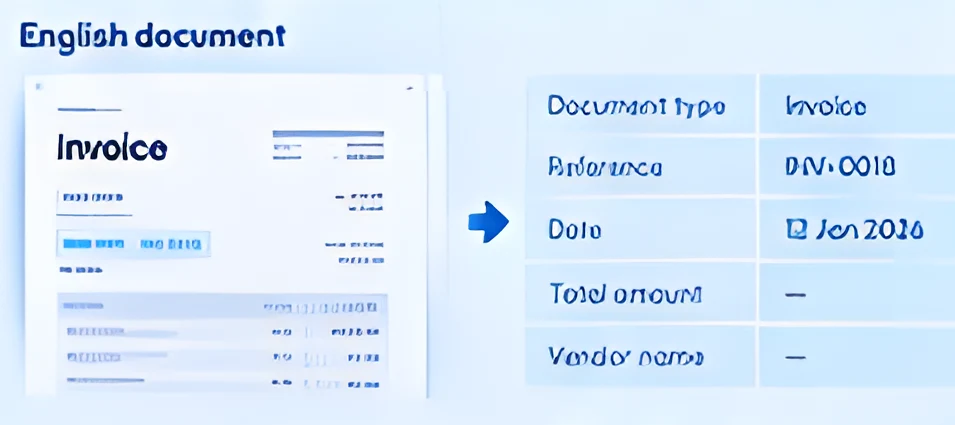
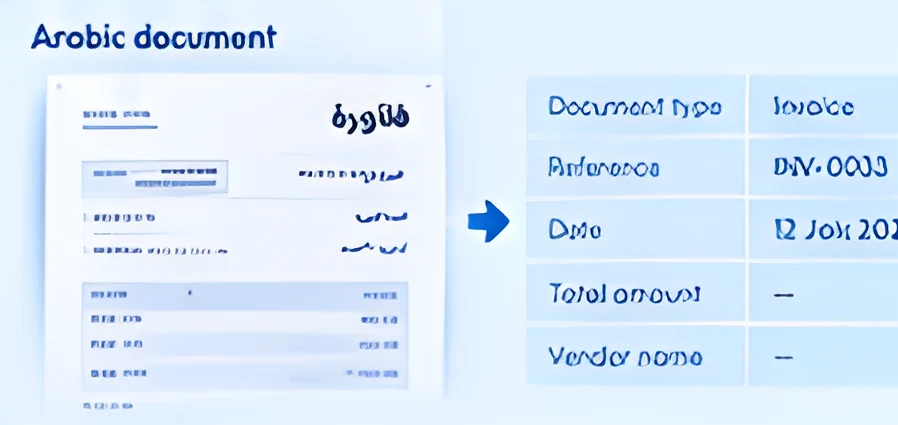
Arabic and English. Designed around your documents.
Test with representative files, layouts and scan quality before rollout.
A clear path from sample files to a working flow.
- 01AssessReview your documents and goals.
- 02ConfigureSet up rules, fields and review steps.
- 03ConnectLink to your systems and file sources.
- 04ValidateTest with real documents and refine.
- 05Launch & refineGo live and improve over time.
Plan around the documents you actually use.
Identify the documents you work with and typical volume.
Define the key fields and validation rules.
Plan integrations and access requirements.
Set up processes and plan for ongoing costs.
Can you process scanned documents?
Yes, subject to scan quality. We test with your sample files first.
Can you work with Arabic and English?
Yes. We test layouts and languages with representative documents.
What happens when a field is unclear?
It is flagged for human review before anything moves to your systems.
Can you connect to our existing systems?
Yes, through supported APIs, file formats and available integrations.
Can you generate documents from templates?
Yes. Documents can be generated from templates using your data.

Turn your documents
into a clearer way to work.
Capture, validate and connect your document data so your team can focus on what comes next.