

Less repetitive work.
More connected operations.
Connect your tools, coordinate routine tasks and keep work moving with clear rules and oversight.
Illustrative workflow
Move work forward.
With fewer manual steps.
Turn repetitive work into streamlined workflows so your team can focus on what matters.
From scattered tasks.
To a coordinated flow.
Replace manual handoffs and follow-ups with a clear, connected process.
Simulated demonstration
Manual handoffs
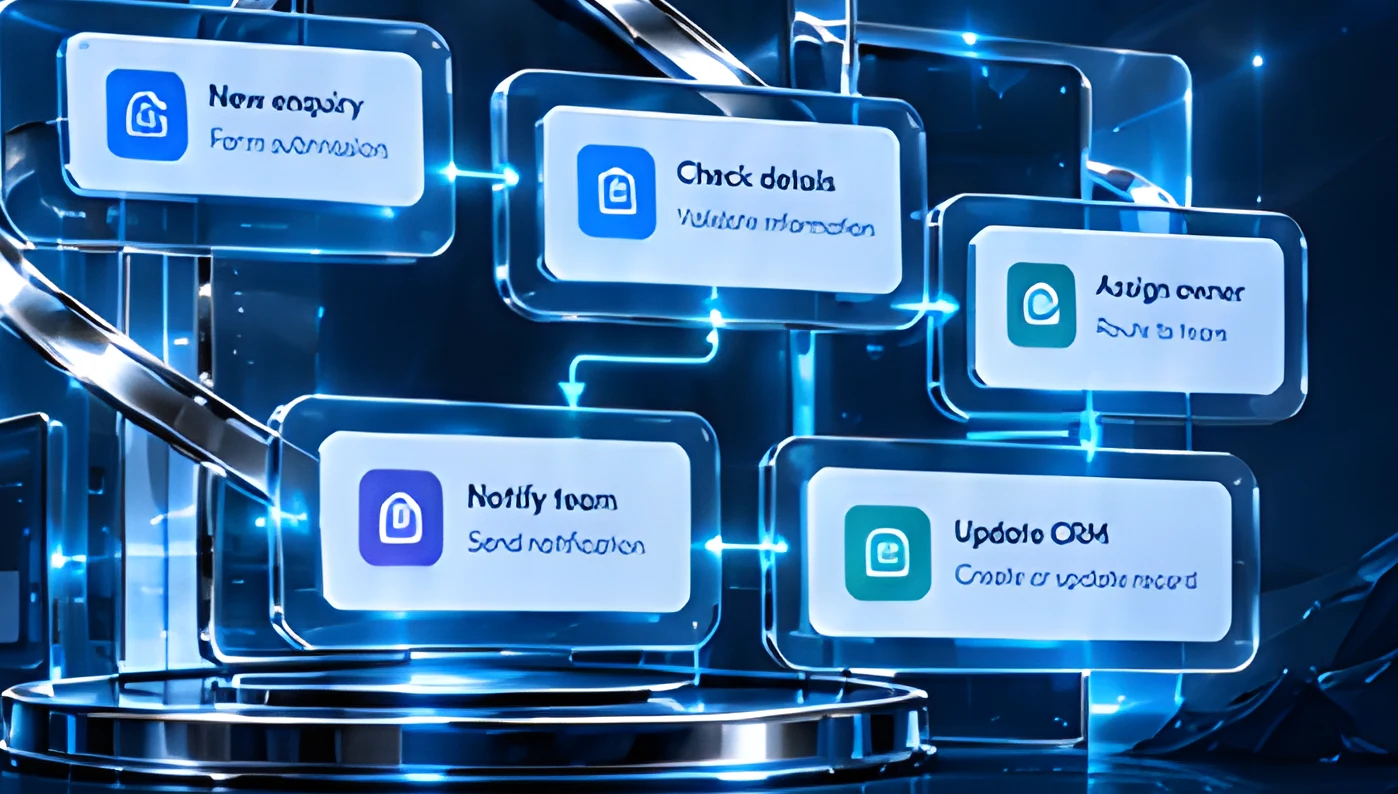
New enquiry
Rows
Please assist
Check details
Find owner
Send email
Update CRM
Example: enquiry intake and routing
Practical automation across your business.
Apply workflow automation to common processes across different teams and functions.
Capture enquiries and automatically assign them to the right owner.
Simulated demonstration
Route requests for the right approvals with clear visibility.
Simulated demonstration
Coordinate setup tasks across teams with a consistent process.
Simulated demonstration
Keep information consistent across your tools.
Simulated demonstration
Send timely updates and reminders to keep work moving.
Simulated demonstration
Generate reports and run routine tasks on a schedule.
Simulated demonstration
Start with the work
your team repeats.
Common automation use cases to help you get started.
Capture enquiries, assign owners and send follow-ups.
Turn requests into tasks and keep everyone updated.
Streamline internal requests and approvals.
Your tools.
Working together.
Connect through supported APIs, webhooks and available integrations.
Simulated demonstration
Clear rules.
People in control.
Automate with structure and visibility, so your team stays in control.
Simulated demonstration
Route key steps for review.
Set access based on roles.
Address unusual cases when needed.
Keep a clear history of changes.
Design for the unexpected, too.
Plan for errors and exceptions with practical safeguards so your processes keep running smoothly.
Check data before it moves forward.
Automatically retry when there’s a temporary issue.
Notify the right people when something goes wrong.
Give your team a simple way to step in when needed.
A clear path from process to production.
A structured approach to design, build and launch your workflow automation.
- 01MapDefine the process and key steps.
- 02DesignSet rules, approvals and data flows.
- 03ConnectIntegrate your tools and configure workflows.
- 04TestValidate with real scenarios and refine.
- 05Launch & improveGo live and keep optimizing over time.
Plan an automation that fits.
We’ll help you define the right scope for your needs, with clear considerations across your people, tools and processes.
Identify the workflow, stakeholders and key steps.
Review the tools and integrations you’ll use.
Define approval rules and how to handle exceptions.
Plan for setup, ongoing support and maintenance.
Can you connect our existing tools?
Yes. We connect tools through supported APIs, webhooks and available integrations.
Which workflow should we automate first?
Usually a frequent, rule-based process with clear owners; we help you prioritize.
Can a person approve key steps?
Yes. Approval checkpoints can be added wherever human review is needed.
What happens when an integration fails?
Retry rules and failure alerts notify the right people, with a manual recovery option.
Can workflows change as we grow?
Yes. Workflows are designed to be adjusted as your process and tools evolve.
Let’s make your
everyday workflow.
Automate the routine, connect your tools and give your team more time for what matters.