

Your relationships.
Your process.
Your CRM.
Connect customer information, sales activity and follow-ups in a system built around your team.
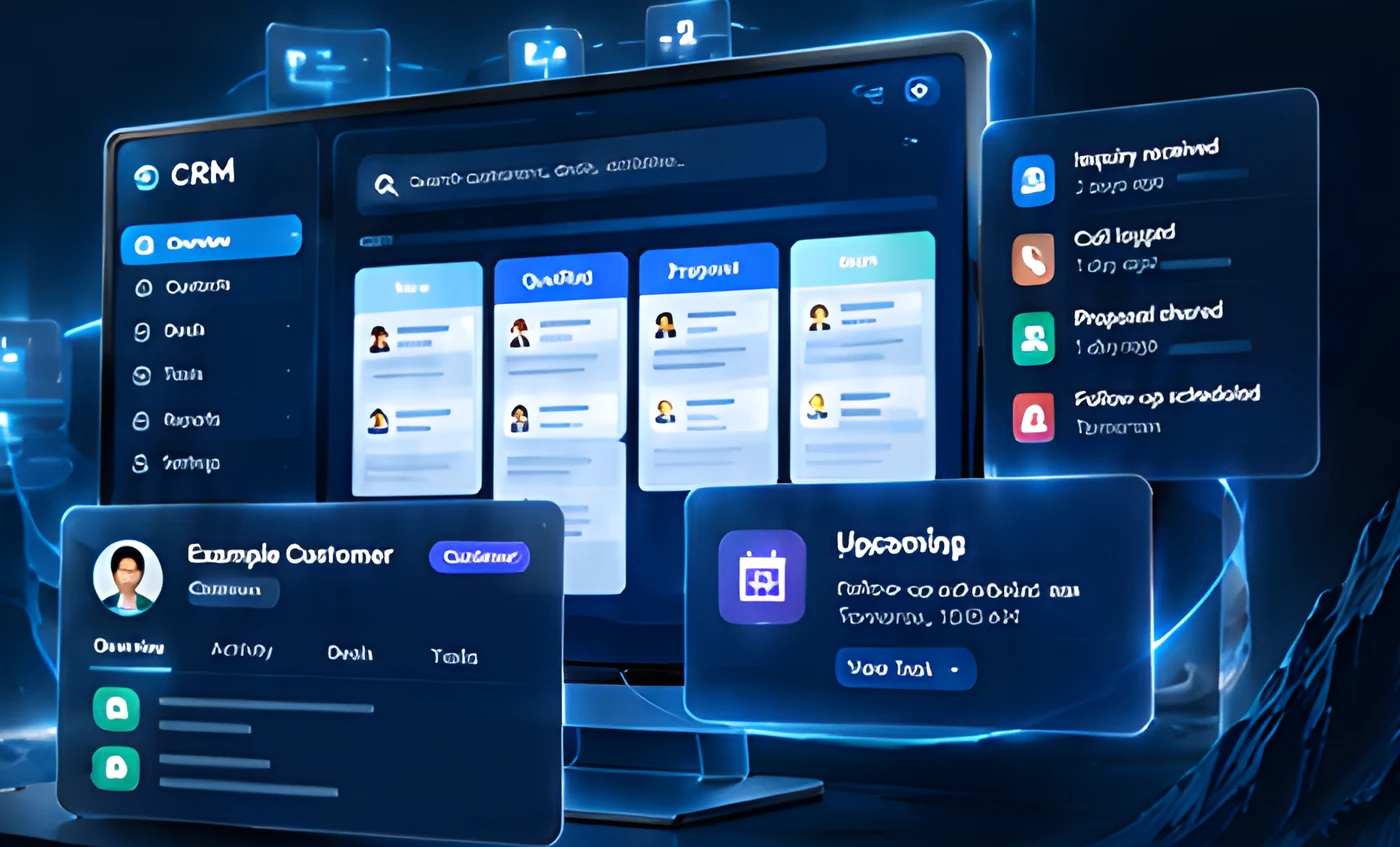
Illustrative CRM interfaces
When your sales process
outgrows scattered tools.
Customer information, conversations and follow-ups are often spread across different systems. A custom CRM brings everything together, around the way your team actually works.
Important information is spread across emails, spreadsheets and different tools.
Leads can be missed when follow-ups depend on individual memory or manual tracking.
It’s hard to see the real status of opportunities and what needs attention next.
Every relationship. A clearer picture.
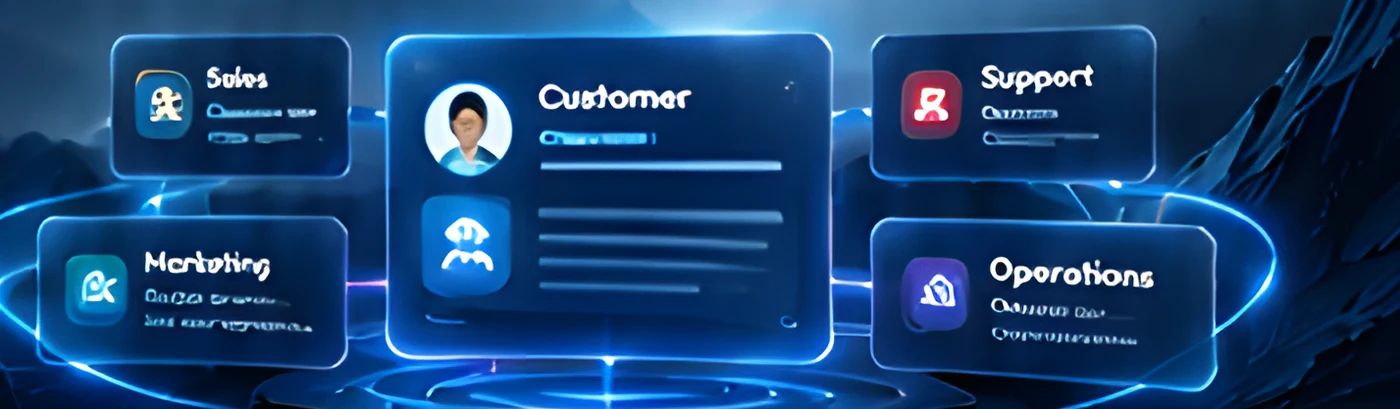
A complete customer workspace gives your team the context they need, from the first conversation to the next opportunity.
Customer
A CRM that follows your way of working.
A complete customer system for your sales team, your workflows, not a one-size-fits-all system.
Manage individual contacts and company accounts with clear relationships and history.
Turn website inquiries and other sources into structured leads and assign them to the right team member.
Create pipelines that match your sales process, with the stages and information that matter to your team.
Plan reminders, handoffs and repeatable actions.
Connect relevant channels through available tools.
Review activity, pipeline status and the measures your team agrees to track.
Built around your sales model.
Powerful features tailored for different business workflows, not a one-size-fits-all system.
Manage longer sales cycles with multiple stakeholders and accounts.
Illustrative configuration →Track inquiries, proposals and ongoing customer relationships.
Illustrative configuration →Support multiple teams, regions or business units in one CRM.
Illustrative configuration →From first inquiry to the next conversation.
A connected process from capture to review, with the right information at each stage.
Clear responsibilities.
Relevant access.
Define who can view, edit and manage customer information.
Manage own leads, contacts and tasks.
Oversee team activity and pipeline.
Manage settings, users and system configuration.
| Permission | Admin | Manager | Rep |
|---|---|---|---|
| View customer records | ✓ | ✓ | ✓ |
| Edit customer information | ✓ | ✓ | ✕ |
| Manage deals and pipeline | ✓ | ✓ | ✕ |
| Access reports | ✓ | ✕ | ✕ |
| Manage users and settings | ✓ | ✕ | ✕ |
Connect your data. Bring your team with you.
Bring your existing information into your new CRM and help your team adopt it with confidence.
Training & documentation: guidance and resources to help your team get started and make the most of their CRM.
Start with your process. Build the CRM around it.
A clear and collaborative development process, focused on your business goals.
- 01DiscoverUnderstand goals and requirements.
- 02Map workflowsDesign your sales and customer processes.
- 03DesignCreate the CRM structure and user experience.
- 04Develop & integrateBuild and connect with required tools.
- 05Test & onboardTest with your team and prepare for launch.
- Users & roles
- Pipelines & automations
- Data & integrations
- Hosting & ongoing support
How is a custom CRM different from an off-the-shelf tool?
A custom CRM is built around your pipeline, fields, roles and workflows rather than a fixed template.
Can we migrate existing contacts and deals?
Yes. Data is mapped, cleaned, validated and imported as part of the project.
Can it connect to our website and email?
Yes, through suitable integrations scoped to your tools.
Can different teams have different pipelines?
Yes. Pipelines, stages and access can be configured per team.
Can we add features later?
Yes. The CRM can grow in phases as your needs evolve.
Let’s build a CRM
that works the way you do.
A system designed around your customers, your process and your team.