


Stronger connections.
One shared workspace.
Give customers and partners a clear place to access information, collaborate and track what matters.
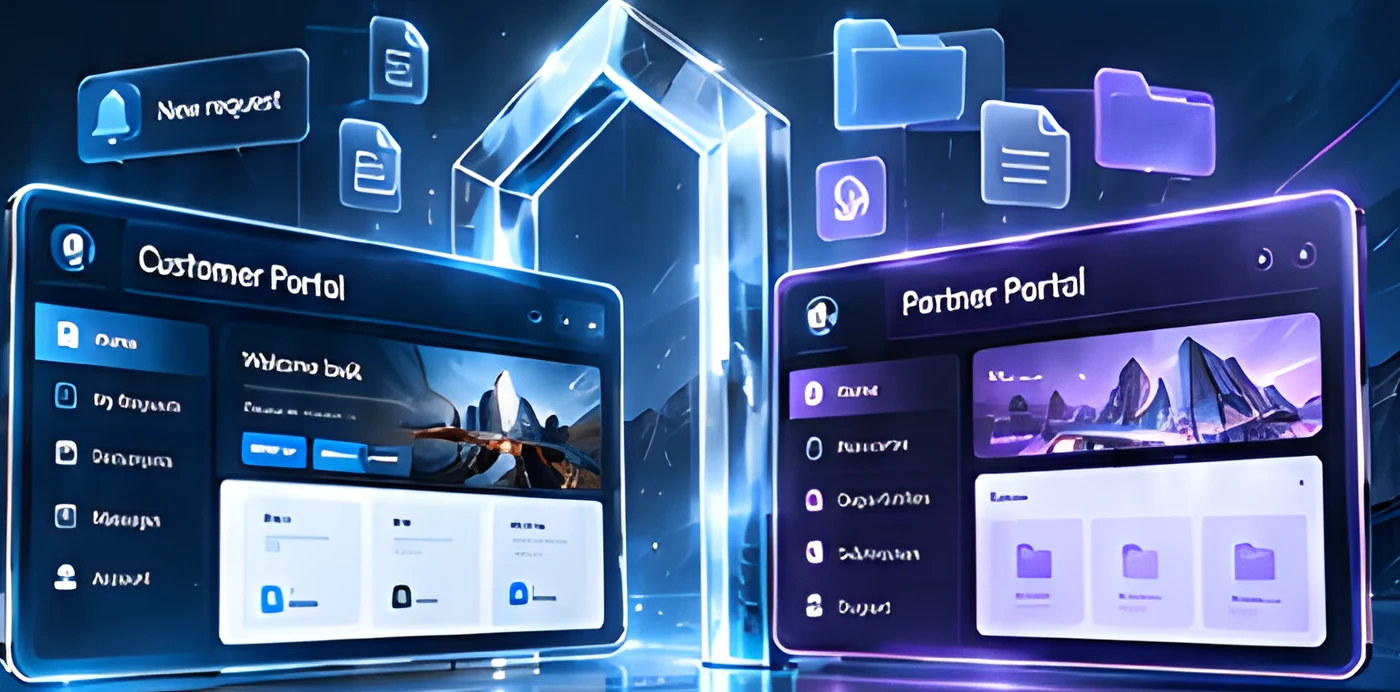
Concept portal interfaces
Bring the relationship beyond the inbox.
Manual processes, scattered information and endless email threads make it harder for customers and partners to get what they need.
Experiences built around their needs.
Make everyday interactions easier for your customers.
A central place for customers to submit requests, access documents, track progress and stay informed.
- My requests
- Documents
- Messages
- Account
Equip partners with the information and workflows they need.
Give partners access to resources, opportunities, submission tools and support in one place.
- Resources
- Opportunities
- Submissions
- Support
Everything they need. Carefully connected.
Features tailored to your business.
A consistent extension of your brand.
Invite, verify and set up new customers and partners.
Easily provide and organize documents, guides and other resources.
Manage requests with clear status and approvals.
Keep communication connected to the task.
Connect with the systems you already use to streamline your workflows.
The right information.
For the right people.
Define who can view, submit and manage information.
Explore Access ControlA portal shaped around your relationships.
Illustrative use cases.
Let customers submit requests, track progress and access documents.
Illustrative use case →Give distributors access to product resources, marketing materials and more.
Illustrative use case →Streamline submissions, document sharing and ongoing communication.
Illustrative use case →From invitation to ongoing collaboration.
Make adoption part of the design.
Clean, intuitive layouts help users find what they need.
A smooth experience across desktop, tablet and mobile.
Support for both languages in a seamless experience.
Helpful guidance keeps users on track.
From relationship needs to a working portal.
- 01DiscoverUnderstand your customers and partners, and their needs.
- 02Define rolesMap audiences, permissions and key workflows.
- 03DesignCreate a tailored experience for each audience.
- 04Build & integrateDevelop the portal and connect to your systems.
- 05Test & launchValidate with real users and prepare for launch.
- Audiences & permissions
- Features & integrations
- Data & migration
- Hosting & support
Common questions about customer and partner portals.
Can customer and partner portals share one platform?
Yes. One platform can serve both audiences, each with its own experience and access.
Can users see only their own organization’s information?
Yes. Access is controlled by organization, role and permission.
Can the portal connect to our existing CRM?
Yes, through integrations scoped to your systems.
Can we start with a limited set of features?
Yes. We recommend starting with the essentials and expanding over time.
Can the portal support Arabic and English?
Yes. Bilingual interfaces can be included in scope.

Give every relationship
a better place to work.
A modern portal experience for your customers and partners.