


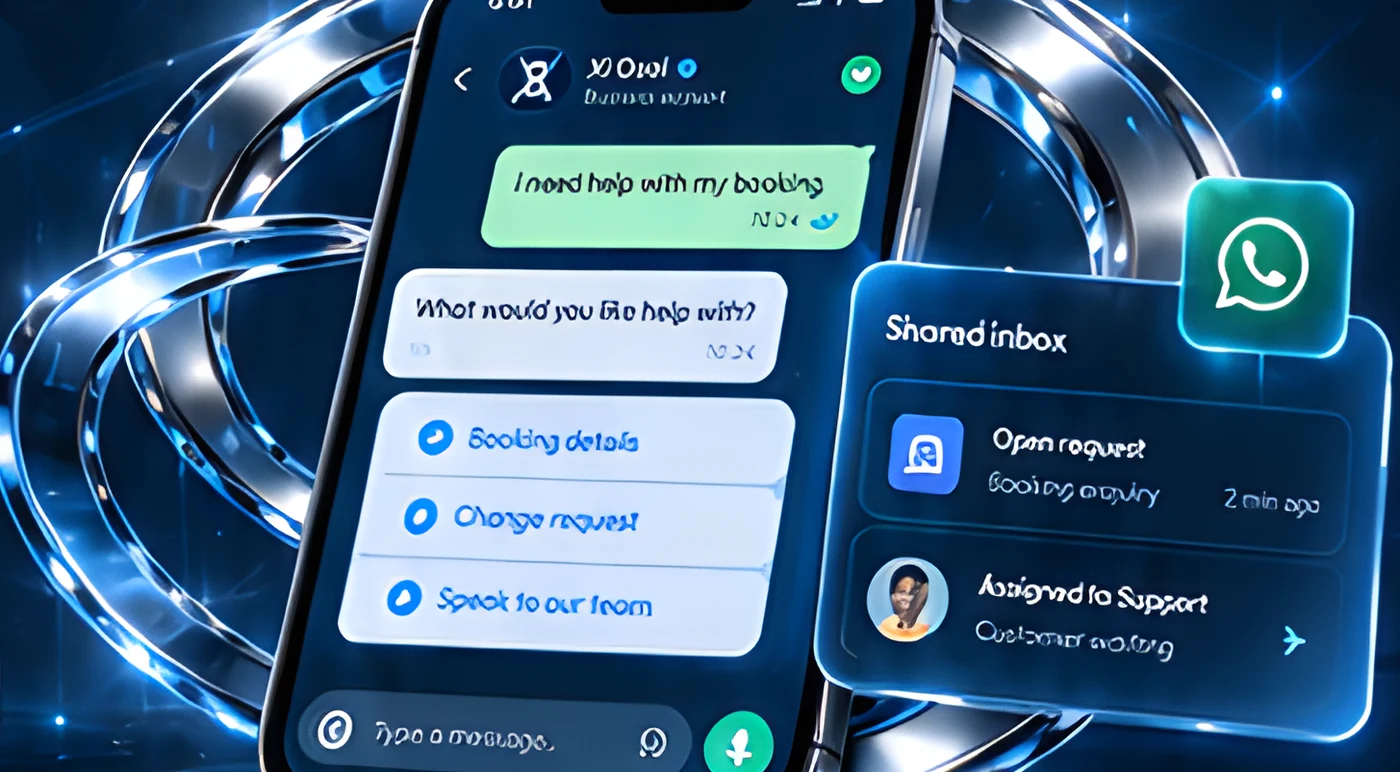
Better conversations.
More connected support.
Organize enquiries, automate routine responses and connect customers with the right person.
Illustrative messaging experience
From incoming message.
To a useful next step.
Turn customer messages into clear actions, in the right hands.
One shared inbox.
A more coordinated team.
Bring all WhatsApp conversations into a single workspace, so your team can collaborate, respond and keep customers moving forward.
Simulated demonstration
New12Assigned8Waiting5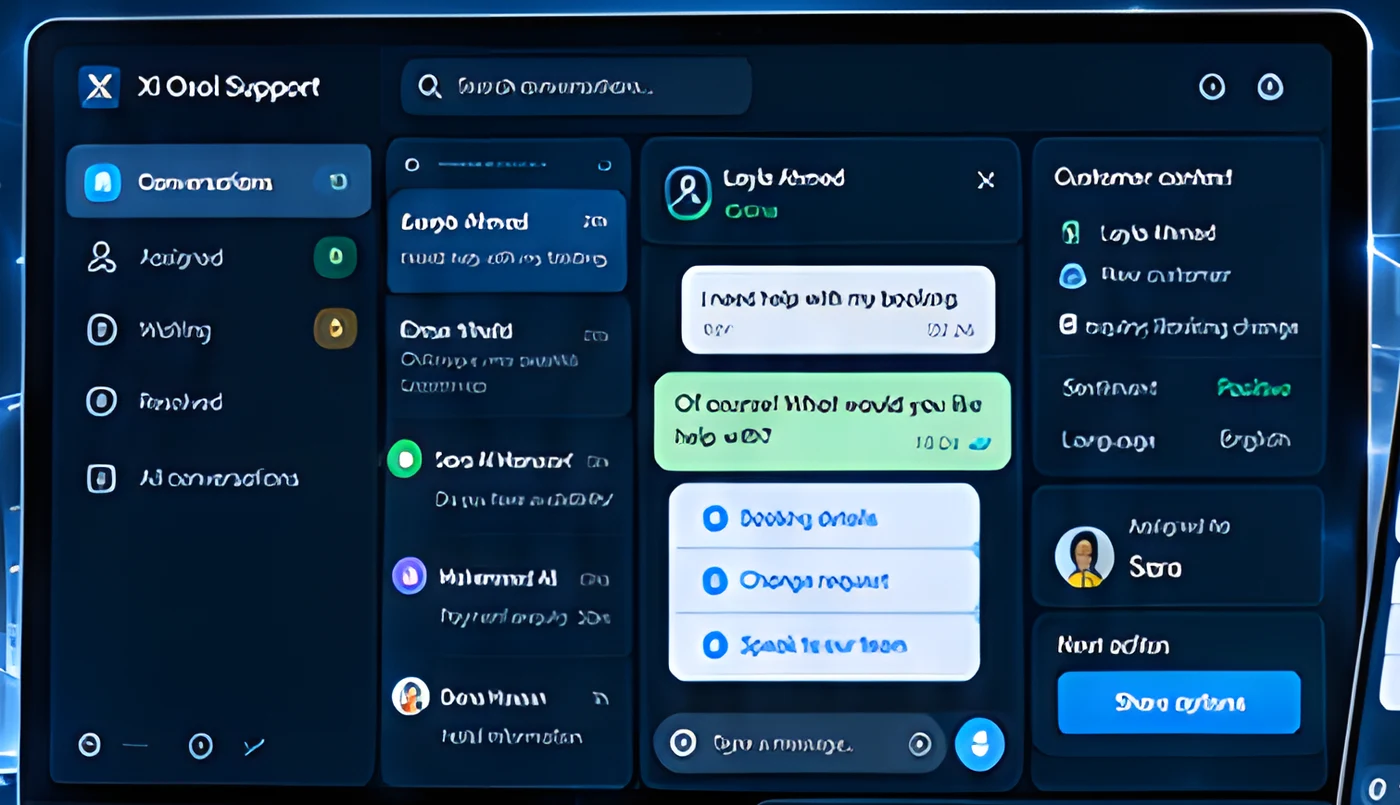
Illustrative support workspace
Practical automation for everyday support.
Use a combination of automation and human support to handle common enquiries and keep your team focused.
Ask the right questions and capture key details up front.
Answer common questions instantly with helpful, consistent answers.
Automatically route conversations to the right team or agent.
Send helpful updates such as booking confirmations or reminders (with customer consent).
Link conversations to existing customer records and systems.
Give your team the right context and tools to provide personalized support.
Different businesses.
Helpful conversations.
From travel and hospitality to retail and services, we create support experiences that feel natural and genuinely helpful.
Simulated demonstration
Answer questions and guide customers to the right option.
Simulated demonstration
Help customers manage their existing bookings.
Simulated demonstration
Provide updates and next steps for existing orders.
Automate the routine. Keep people within reach.
Handle common enquiries with guided conversations, and make it easy to bring in a team member when needed.
Simulated demonstration
Make it simple to bring in a team member when a conversation needs a personal touch.
Give your team a clear summary and full context when taking over.
Assign conversations, set follow-ups and keep customers informed.
Arabic and English. One considered experience.
Support your customers in their preferred language with a consistent, high-quality experience.
Simulated demonstration
Build the channel with care.
Messaging capabilities and costs depend on the platform, provider and agreed setup.
Respect customer choices and manage communication preferences.
Use clear, helpful templates for common scenarios.
Keep customer data secure and limit access to authorized team members.
Define when to involve a human and who should handle different enquiries.
A clear path from setup to support.
A structured approach to get you from concept to a working support channel.
- 01DiscoverUnderstand your goals and use cases.
- 02ConfigureDesign the conversation flows and content.
- 03ConnectSet up the platform, integrations and teams.
- 04TestReview and refine with real conversations.
- 05Launch & improveGo live and continue to optimize.
Shape the workflow around your team.
Set up WhatsApp and any additional channels you need.
Design flows for different topics and languages.
Connect with your CRM, helpdesk and internal tools.
Plan for setup, usage and ongoing support.
Can we connect our existing systems?
Yes. We can connect with your CRM, helpdesk and internal tools where supported.
Can conversations move to a team member?
Yes. Conversations can be handed to the right person with full context.
Can you support Arabic and English?
Yes. Flows and content can be designed for both languages.
Can we send service updates?
Yes, such as booking confirmations or reminders, with customer consent and approved templates.
What setup and ongoing costs should we plan for?
Costs depend on the platform, provider, message volume and agreed setup; we plan these with you.

Make every message
easier to manage.
Turn WhatsApp into a more efficient and connected support channel for your customers and team.