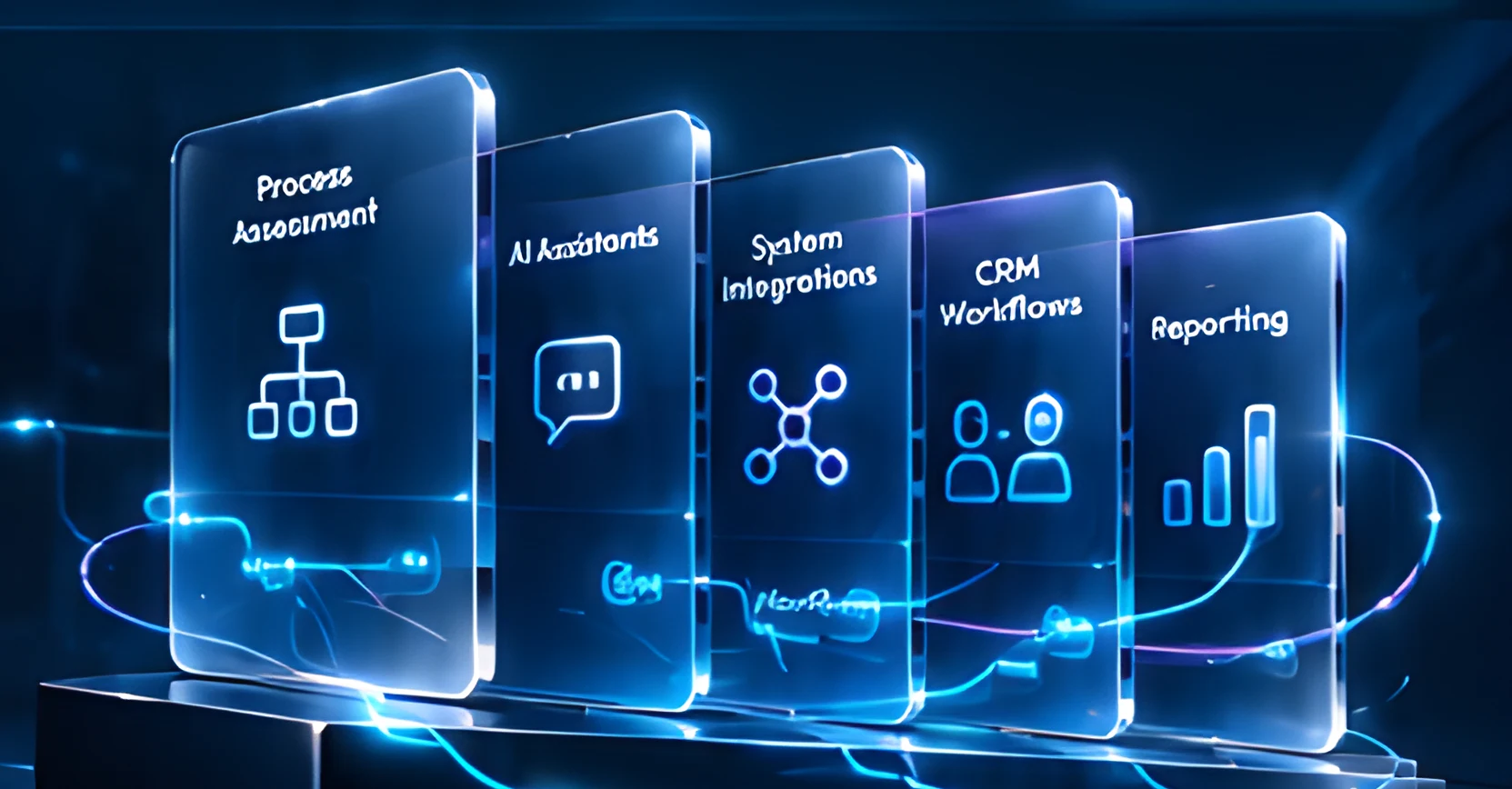
Glass panels for process assessment, AI assistants, system integrations, CRM workflows and reporting on a glowing platform
Business Automation

Less busywork.
More business
momentum.

Connect your people, processes and tools through practical automation.

Discuss Your Workflow Book a Free Consultation

Where does
work slow down?

Every business has friction points. Automation helps remove repetitive work, connect tools and keep things moving.

Manual data entryTime spent on repetitive tasks instead of higher value work.
Disconnected toolsInformation scattered across multiple systems.
Missed follow-upsImportant inquiries or tasks fall through the cracks.
Scattered reportingHard to get a clear view of what is happening across your business.
Tangled wires resolving into a single glowing connected flow

From fragmented work
to a connected operating flow.

Our solution

One connected solution.
Five working parts.

A practical end-to-end approach to automate your operations, from assessment to insights.

01

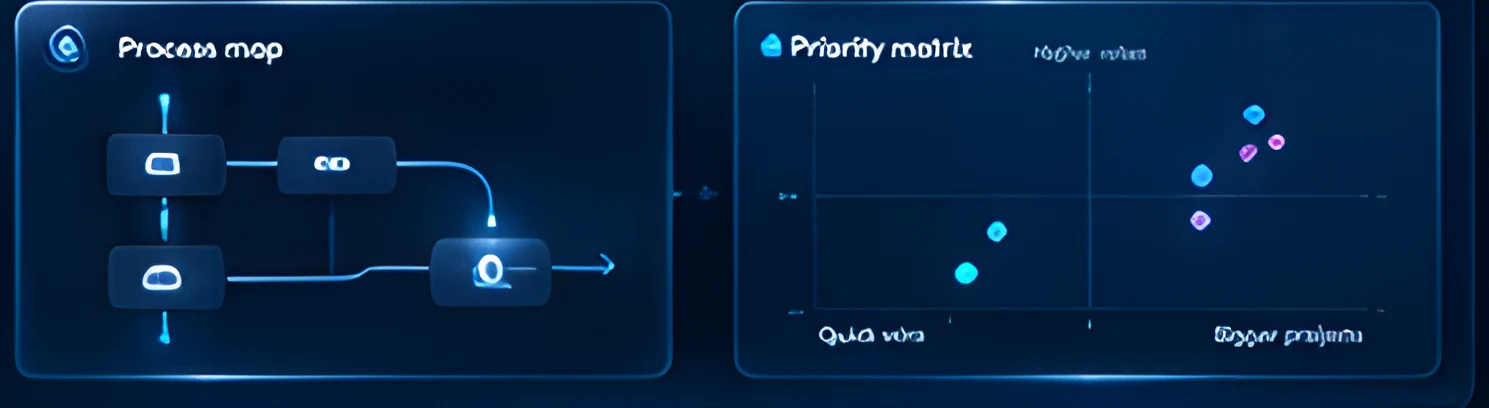
Process Assessment

Map the work, identify friction and choose a useful first workflow.

Current processPrioritiesSuccess measures
Illustrative workflowProcess map and priority matrix panels
02

AI Assistants

Help your team find answers and handle repeat requests.
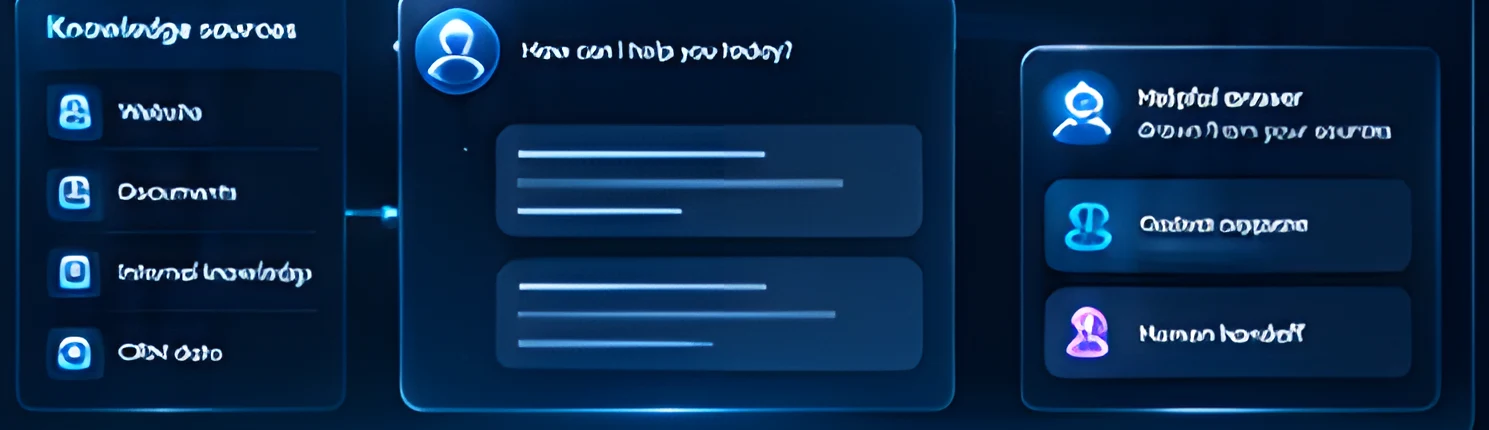
Knowledge sourcesGuided responsesHuman handoff
Illustrative workflowKnowledge sources, assistant chat and handoff panels
03

System Integrations

Connect the tools you already rely on.
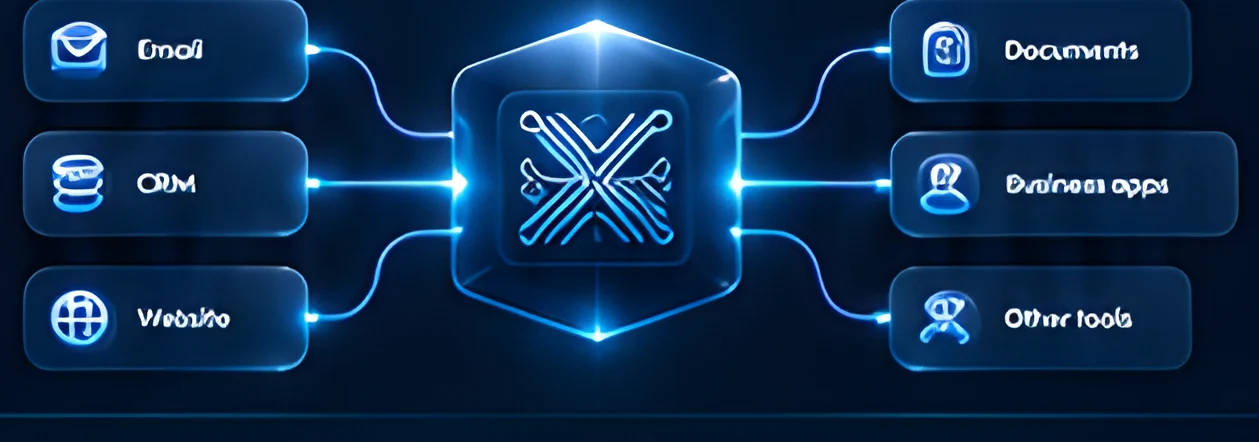
APIsData mappingSync rules
Illustrative workflowCentral hub connecting email, CRM, website, documents, business apps and other tools
04

CRM Workflows

Keep inquiries moving through a clear, consistent process.
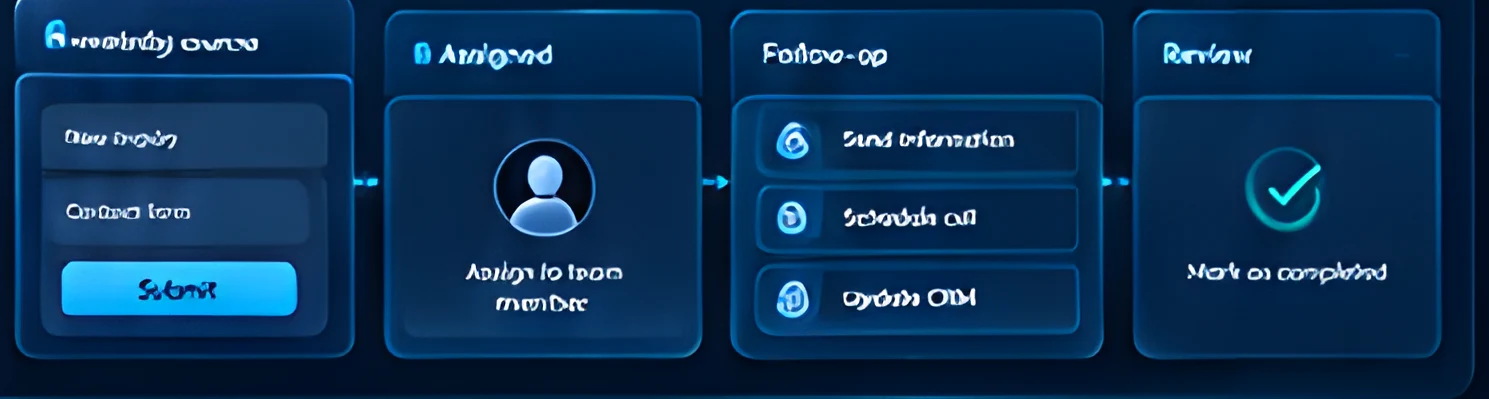
Lead receivedAssignedFollow-upReview
Illustrative workflowFour-stage CRM workflow from lead to review
05

Reporting

See what is running, what needs attention and what to improve.
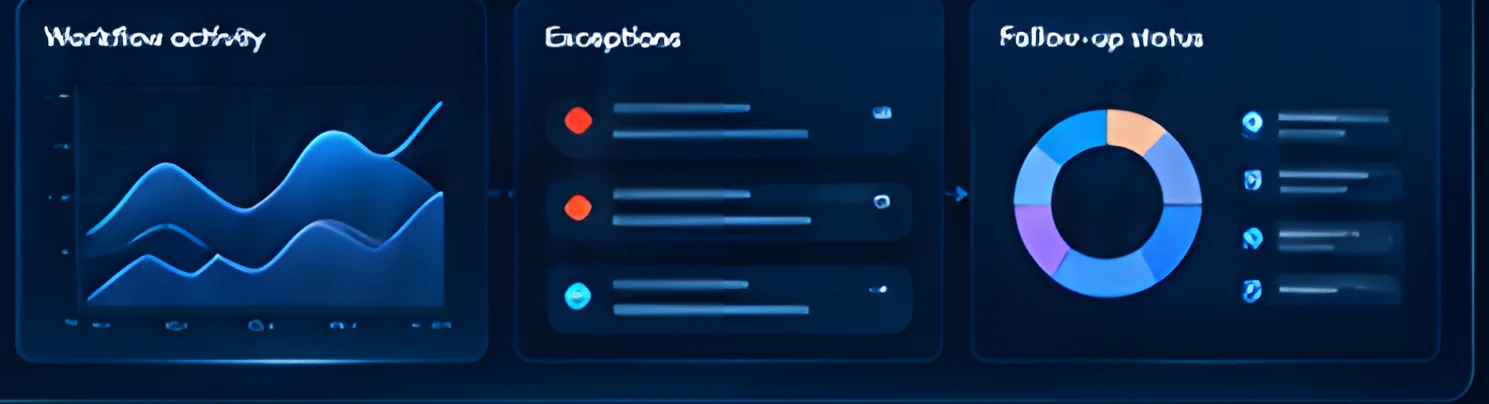
Workflow activityExceptionsFollow-up status
Illustrative workflowReporting dashboard with activity, exceptions and follow-up status
Use cases

See what automation could look like.

Different workflows. A common outcome — less busywork and a more connected business.

Lead to follow-up

From inquiry to the right person.

Inquiry
CRM
Owner notification
Document to structured data

Turn unstructured information into usable data.

Upload
Extract
Review
Request to resolution

Answer common questions and escalate when needed.

Question
Assistant
Human handoff

Automation with
people in control.

Automation handles the routine.
Your team stays in control of important decisions and exceptions.

These are configurable design considerations. Final setup depends on your requirements.
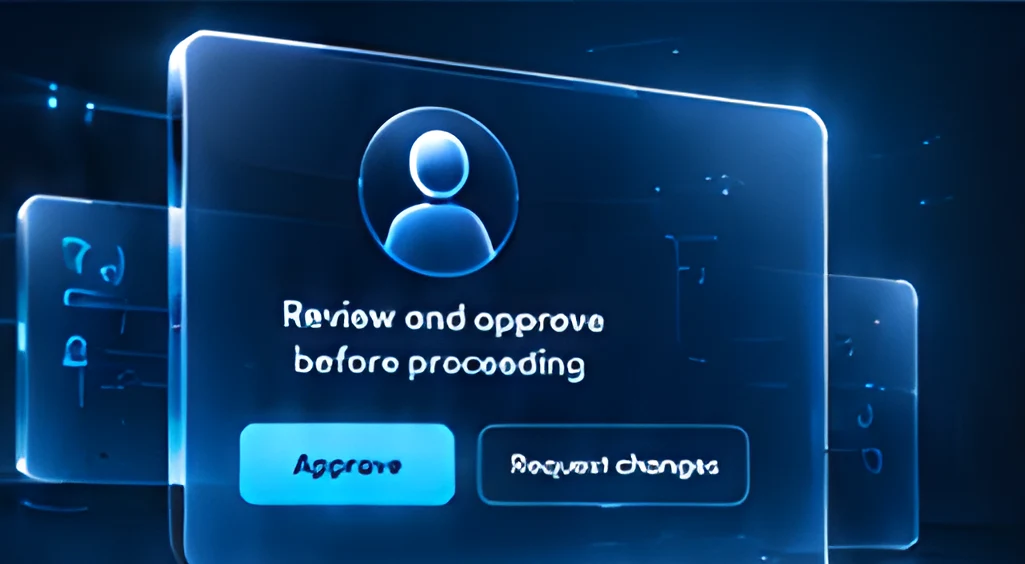
Glass review and approve card with Approve and Request changes buttons
  • Approval stepsAdd review points for key actions.
  • Role-based accessGive the right people the right permissions.
  • Exception handlingRoute complex cases to your team.
  • Activity logsKeep a record of important actions.
Our process

Start focused.
Expand with confidence.

We work with you to understand your needs, design the right approach and roll it out step by step.

  1. 01AssessUnderstand your goals and current processes.
  2. 02DesignPlan the solution and agree scope with your team.
  3. 03PilotBuild and test a focused workflow.
  4. 04ValidateReview results and refine.
  5. 05Roll outDeploy and expand to more workflows.

Know what we are building together.

A clear and transparent approach from the start.

DeliverablesDefined scope and outputs.
IntegrationsConnected to your existing tools.
Third-party costsAny external costs discussed upfront.
Ownership & supportClear handover and ongoing support.

Frequently asked questions

View all FAQs
What should we automate first?

Usually a repetitive, high-volume workflow with a clear owner. We map your processes during assessment and choose a useful first workflow together.

Can you work with our existing CRM?

Often, yes. We assess the available APIs and data access during discovery and connect to the tools you already use where it is practical.

Does every workflow need AI?

No. Many workflows only need clear rules and integrations. We use AI where it genuinely helps, such as answering questions or reading documents.

Can our team approve important actions?

Yes. We design review points so your team stays in control of key decisions and exceptions.
Related capabilities
Glowing X cube surrounded by process, assistant and insight cubes on a light ring

Make room for
what matters next.

Let’s discuss how business automation can work for your team.

Discuss Your Workflow Book a Free Consultation
Chat with us